

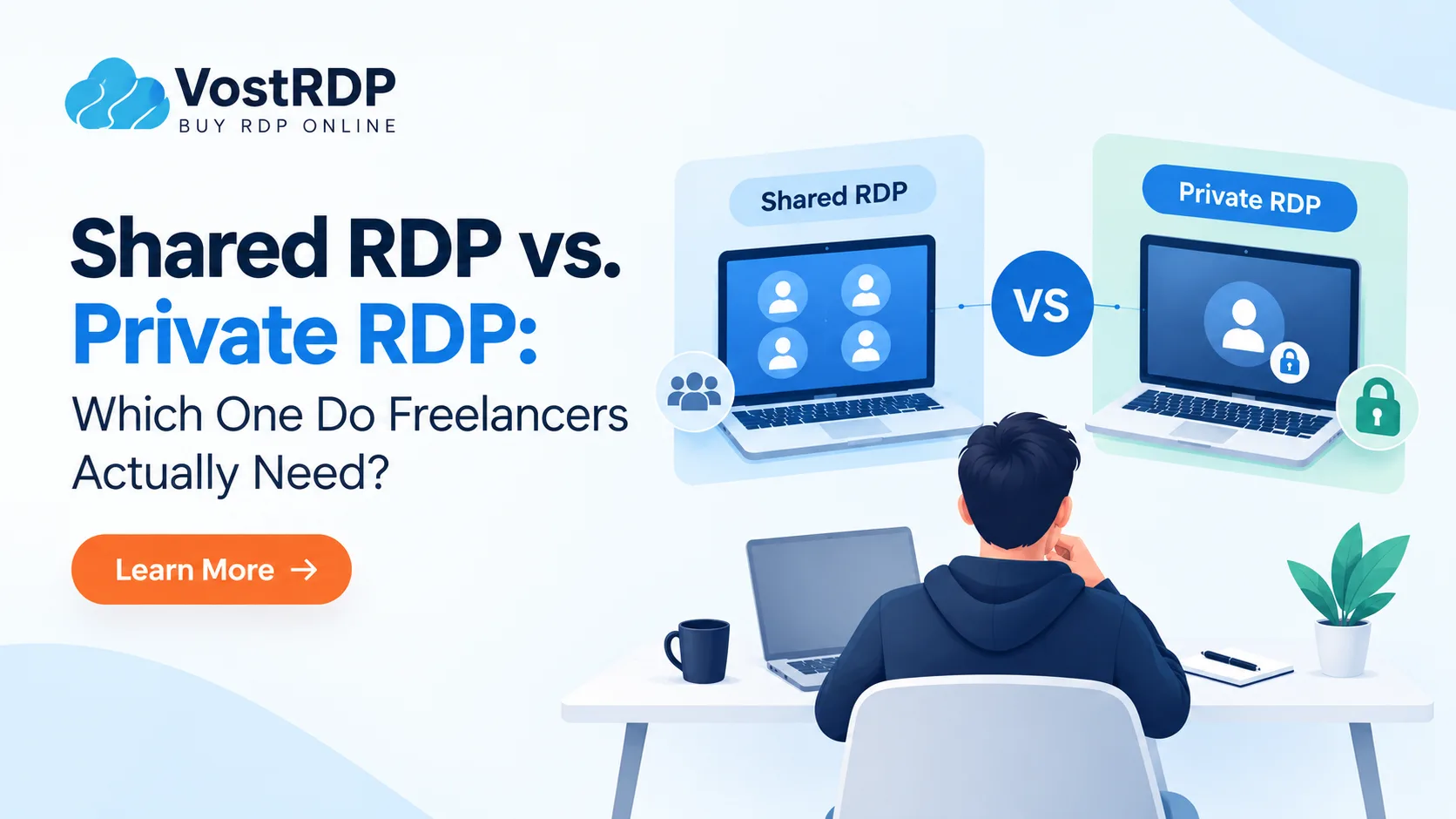
| Shared RDP is cheaper and suitable for light freelance work such as browsing, documents, downloads, and pre-installed applications. Private RDP provides dedicated resources, full administrator access, and a dedicated IP, making it more suitable for freelancers who need to install software, handle client work, maintain consistent performance, or require greater control. Shared RDP plans can start around $3.99/month, while private RDP plans may start around $6.99–$7.99/month, depending on the location and provider. |
Choosing between shared RDP vs private RDP depends on how much control, performance, and flexibility your freelance work requires. Shared RDP is generally cheaper and can work well for browsing, documents, downloads, and other light tasks. Private RDP costs more but typically provides greater control, administrator access, and a dedicated IP.
For freelancers, the biggest difference is not simply price. It is whether you can install your own software, access the resources you need, and maintain a more consistent remote desktop environment. This guide compares shared and private RDP based on price, resources, administrator access, IP address, security, performance, and common freelance workloads.
Shared RDP vs Private RDP: Quick Comparison
| Feature | Shared RDP | Private RDP |
| Cost | Lower | Higher |
| CPU & RAM | Shared resources | Resources allocated to your VM |
| Administrator access | Usually restricted | Usually included |
| Software installation | Limited | Greater control |
| IP address | Often shared | Usually dedicated |
| Performance | Can vary with usage | Generally more predictable |
| Windows customization | Limited | Greater control |
| Security configuration | Mostly provider-managed | More user control |
| Best for | Light/basic tasks | Client work and demanding workflows |
| Scalability | More limited | Easier to upgrade |
What Is Shared RDP vs Private RDP?
RDP stands for Remote Desktop Protocol. It is Microsoft’s tool for seeing and controlling a faraway Windows computer from your own screen. Both plan types use it. What changes is who else is on the machine with you.
Shared RDP: one big computer, many people
On a shared plan, several people log into the same Windows server at the same time. You get your own username, your own password, and your own folders. Nobody sees your files.What you do share is the hardware. The processor (CPU), the memory (RAM), and the internet line are split between everyone on that server. VostRDP caps its shared servers at 12 to 15 users. Some providers pack in far more.There is one more limit that catches people out. Most shared plans, including VostRDP’s, come with no admin access. Admin access means permission to install programs and change Windows settings. Without it you can only use the apps the provider already put there.
Private RDP: your own machine
A private plan gives you your own virtual machine. The CPU, RAM, and disk space listed on the plan belong to you alone. Nobody else logs in.You get full administrator access. You can install any Windows software, change settings, add security tools, and restart the server whenever you want. You also get your own IP address. An IP address is the number the internet uses to identify your server.
Shared vs Admin RDP: What’s the Difference?
Shared RDP and admin RDP describe different things. Shared RDP generally refers to how the server environment or resources are shared between customers. Admin RDP refers to the administrator privileges available to the user.With administrator access, you can generally install compatible software, change certain Windows settings, manage applications, and configure the system without requesting every change from the provider.
Therefore, shared RDP does not automatically mean the same thing as non-admin RDP, and private RDP does not automatically guarantee identical permissions across providers. Always check the provider’s administrator-access policy before choosing a plan.
Why RDP Choice Matters for Freelancers
| The choice between shared and private RDP matters more to freelancers because their work often depends on software access, stable performance, and reliable connectivity. Shared RDP can limit software installation, slow down when other users consume resources, and use a shared IP address. Private RDP provides dedicated resources and greater control, making it more suitable for freelancers who need to install client software, maintain consistent performance, or keep long-running tasks active. |
An office IT team buys a server once and moves on. A freelancer feels every limit directly, usually on a deadline.You often need to install things you may need to install software. A client may require an invoicing tool, design application, plugin, or other Windows software. If your shared RDP plan restricts administrator access, you may not be able to install it yourself. That job is gone or you are scrambling.
Busy hours can slow you down- When several neighbours run heavy work at once, everyone’s session gets sluggish. That is fine while you read email. It is painful during a live client screen share.Your IP address is shared- On most shared servers, everyone leaves the internet through the same IP. If a neighbour gets that IP flagged by a website, your logins can start hitting extra checks too. Marketplaces and survey platforms watch IPs closely.
You may need it running all night- Freelancers often leave a render, a download, or a long report running while they sleep. A dedicated machine gives you steadier results here.One thing to be clear about: any remote desktop should only be used for your own accounts and your own legitimate work. VostRDP’s shared plans openly ban bot use, spam, and video encoding. Breaking a platform’s rules from a server gets accounts banned just as fast as breaking them from home.
Why Choose VostRDP?
Choose VostRDP for reliable, flexible, and affordable remote desktop solutions built for freelancers, forex traders, digital marketers, and growing businesses.
- High-Speed Performance: Enjoy smooth remote access for your daily tasks, trading activities, and professional workflows.
- Affordable Plans: Choose cost-effective Shared RDP and Private RDP plans that fit your budget and requirements.
- Full Administrator Access: Install compatible software, customize Windows settings, and manage your remote environment with Admin RDP.
- Dedicated Resources: Get dedicated CPU, RAM, and storage with Private RDP for more predictable performance.
- Global Server Locations: Select a server location that suits your connectivity and business needs.
- Quick Setup: Get started quickly with a straightforward setup process.
- Flexible Solutions: Scale your resources as your workload and business requirements grow.
- Support for Remote Work: Access your Windows desktop from anywhere and work conveniently across supported devices.
VostRDP gives you the flexibility, control, and remote access you need to work smarter and keep your tasks running smoothly.
What Each One Costs at VostRDP
Prices below are current as of September 2026. Check the plan pages before you order, since specs change.
The Cheap Shared RDP range starts at $3.99 a month for 100GB of storage on a New York server, with a 64GB memory pool shared across users and up to 1Gbps unmetered bandwidth. The $6.99 plan doubles storage to 200GB, and $9.99 gets you 300GB. All three run Windows Server 2019, cap the server at 12 to 15 users, and give no admin access. Encoding, botting, and spam are not allowed on these plans.
Private plans start close behind. USA Private RDP begins at $7.99 a month for 1 core, 1GB RAM, and 20GB of disk, with full administrator access and a choice of six or more US states. From there it steps up through 2 cores and 2GB at $11.99, 3 cores and 4GB at $19.99, and on to 16 cores and 32GB at $99.99 for heavy work. If you want private access for less, Germany Private RDP starts at $6.99 a month.
So the honest gap for a freelancer is about four dollars. Shared entry is $3.99. Private entry is $7.99 in the US, or $6.99 in Germany. That is less than one hour of most freelance rates.
Both types are set up instantly, or within four hours at most. Payment works through PayPal, Bitcoin, PerfectMoney, bank transfer, PayTM, and Indian debit or credit cards, which helps if you are outside the US.
Cheap RDP vs Private RDP for Freelancers
Cheap RDP can be a practical choice when your freelance work only requires a Windows desktop for browsing, documents, downloads, and pre-installed applications.Private RDP can make more sense when you need administrator access, custom software, more predictable resources, or a dedicated IP.
For example, a freelancer who mainly checks websites and manages documents may not need private RDP. A developer, designer, SEO specialist, consultant, or other professional who needs to install specific Windows applications may benefit from the additional control provided by private RDP.The right choice depends on your workload, software requirements, performance needs, and budget rather than simply choosing the lowest monthly price.
Is Private RDP Safer Than the Shared RDP?
| Private RDP can provide greater security control than shared RDP because it gives you administrator access and dedicated resources. With private RDP, you can configure security settings, enable Network Level Authentication, apply login restrictions, change settings, and install security software. Shared RDP generally limits these controls, so security depends more heavily on how the provider manages the server. However, both types require strong passwords, multi-factor authentication where available, and secure RDP configuration. |
Private RDP does not automatically mean a more secure server. Its main advantage is that it can provide greater control over security settings and system configuration.
Security guides published this year all say the same core things: use a long, unique password, turn on multi-factor login where you can, keep Network Level Authentication switched on, and avoid leaving the standard remote desktop port wide open to everyone. Network Level Authentication simply means the server checks who you are before it loads a desktop for you.
On a private plan with admin rights, you can actually do those things. You can change the port, add lockout rules after failed logins, and install the security software you trust. On a shared plan you cannot. You are relying entirely on how well the provider locks the server down.
A Five-Minute Way to Decide
Answer these four questions honestly. Two or more “yes” answers mean you want to be private.
- Will you ever need to install software?
Client tools, trading platforms, SEO software, automation apps, anything at all. If yes, sharing will block you. - Do clients see your screen?
Live calls, demos, and screen shares are where peak-hour slowdowns embarrass you. - Do you log into accounts that check IPs?
Marketplaces, payment dashboards, and ad platforms all do. Your own IP is cleaner. - Does your income depend on it staying up?
If a slow day costs you real money, spend the extra four dollars.
If you answered no to all four and you only need a cheap Windows desktop for browsing, downloads, and document work, sharing is genuinely enough. Start there and upgrade later. Nothing stops you moving up once your work grows.
A middle path exists too. Some freelancers keep a cheap shared plan for light daily tasks and add a private server only for the client work that needs admin rights. At under $12 a month combined, that is a reasonable setup.
Conclusion
The shared RDP vs private RDP question really comes down to one thing: do you need to control the machine, or just use it? Shared plans are cheap, simple, and fine for light work on pre-installed apps. Private plans cost a few dollars more and give you admin access, your own resources, and your own IP. For most freelancers doing client work, that small gap pays for itself the first time a job needs a custom install. Compare the plans across VostRDP’s nine-plus regions, or contact our support team if you want help sizing one.
Frequently Asked Questions (FAQ)
2.Can I install my own software on a shared RDP?
Usually no. Most shared plans, including VostRDP's cheap shared RDP range, come without administrator access. That means no installing programs, no changing Windows settings, and no adding your own security tools. You work with whatever apps the provider has already set up. If a client ever needs you to run their software, you will need a private plan instead. A few providers sell admin rights as a paid add-on.
3.How much more does private RDP cost for a freelancer?
Less than most people expect. VostRDP shared plans start at $3.99 a month. US private plans start at $7.99 a month with full admin access, and Germany private plans start at $6.99. So the real gap is roughly three to four dollars monthly. For most freelancers, that is under an hour of billable work each month. Check the plan pages before ordering, since specs change.
4.Is shared RDP good enough for freelance work?
It can be for light work. Browsing, downloading files, writing documents, checking dashboards, and using browser-based tools all run fine on a shared plan. Problems start when you need to install something, need steady speed during client calls, or need your own IP address. If your income depends on the server staying quick, choose private. Many freelancers begin to share and upgrade within a few months.
5.Does shared RDP give me my own IP address?
Normally not. On most shared servers, everyone connects out through the same IP address, which is the number websites use to identify your server. If another user gets that IP flagged, your own logins can face extra checks. Private plans include a dedicated IP that only you use, which keeps your account activity cleaner. Always confirm this detail with the provider before ordering.
6.How quickly can I start using either plan?
VostRDP sets up both shared and private plans instantly, or within four hours at the most. You receive an IP address, a username, and a password. Then you connect using the Remote Desktop app built into Windows, or a free client on Mac, Linux, Android, or iOS. Payment options include PayPal, Bitcoin, bank transfer, PayTM, and Indian cards. No technical setup is needed on your own computer.
7.Can I upgrade from shared RDP to private RDP later?
Yes, and many freelancers do exactly that. Start on a cheap shared plan while your workload is light, then move to private once clients ask for custom software or your hours grow. VostRDP private plans scale from 1 core and 1GB of memory up to 16 cores and 32GB, so there is room to keep growing. Support can help size it.
